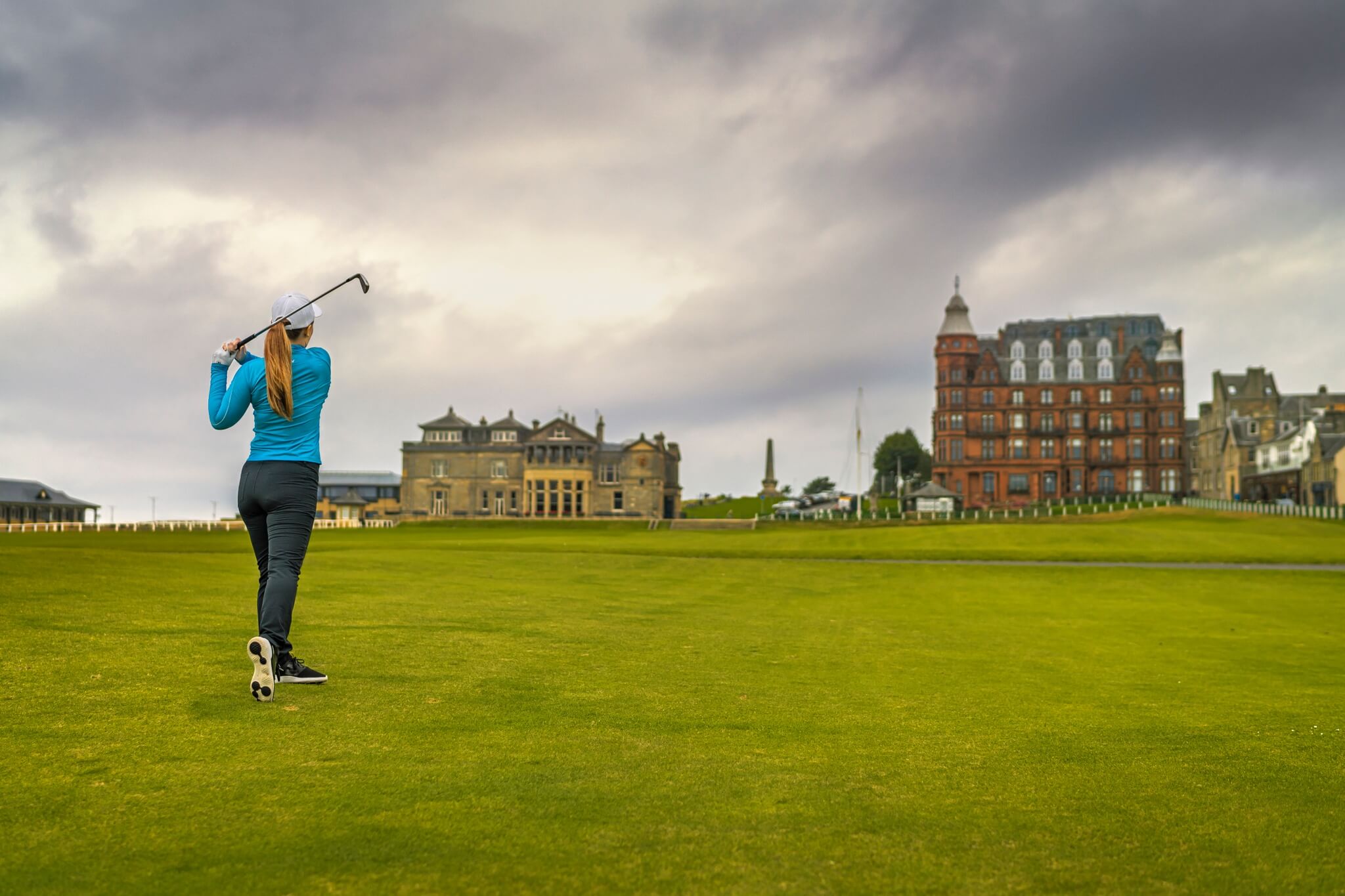
A golfer plays the Old Course at St Andrews
© VisitScotland / Luigi Di Pasquale
Scottish Golf & The Best Golf Courses in Scotland
With a legacy spanning six centuries, there is no finer place to play golf than the country that gave the game to the world. You'll be spoiled for choice on your golf break in Scotland with over 550 Scottish golf courses, including links, parkland and 9-hole courses. Scotland is also home to some of the world's most prestigious golf tournaments.
Golf Courses in Scotland
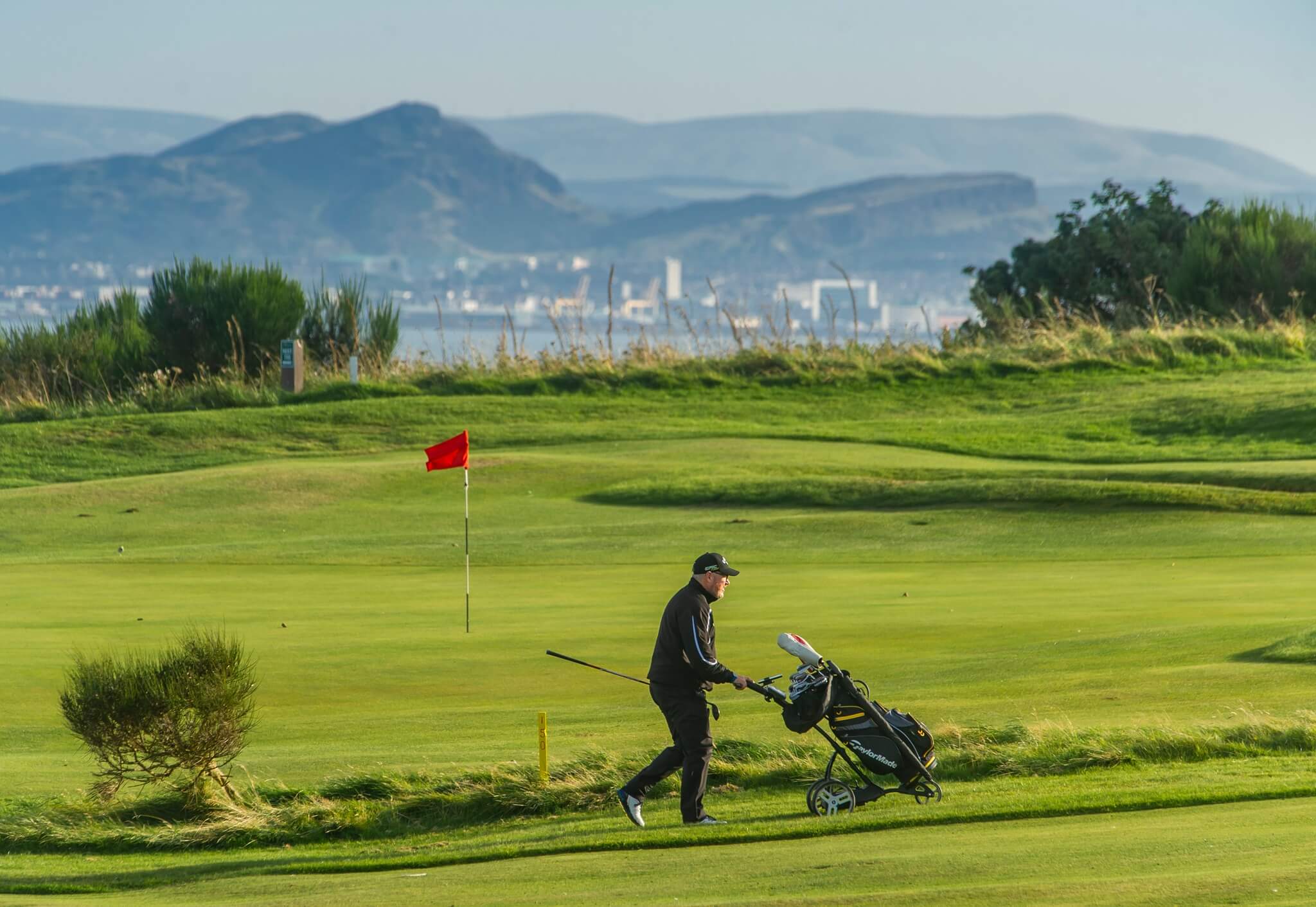
Kinghorn Golf Club, overlooking the Firth of Forth
© Fife Council Airborne Lens
Recommended courses
Scotland has more courses per head of population than anywhere else in the world! The range of Scottish golf courses means that whatever your level, you'll never be far from fairways and greens suited to you.
Golf Around Scotland
Browse our top golf courses by region.
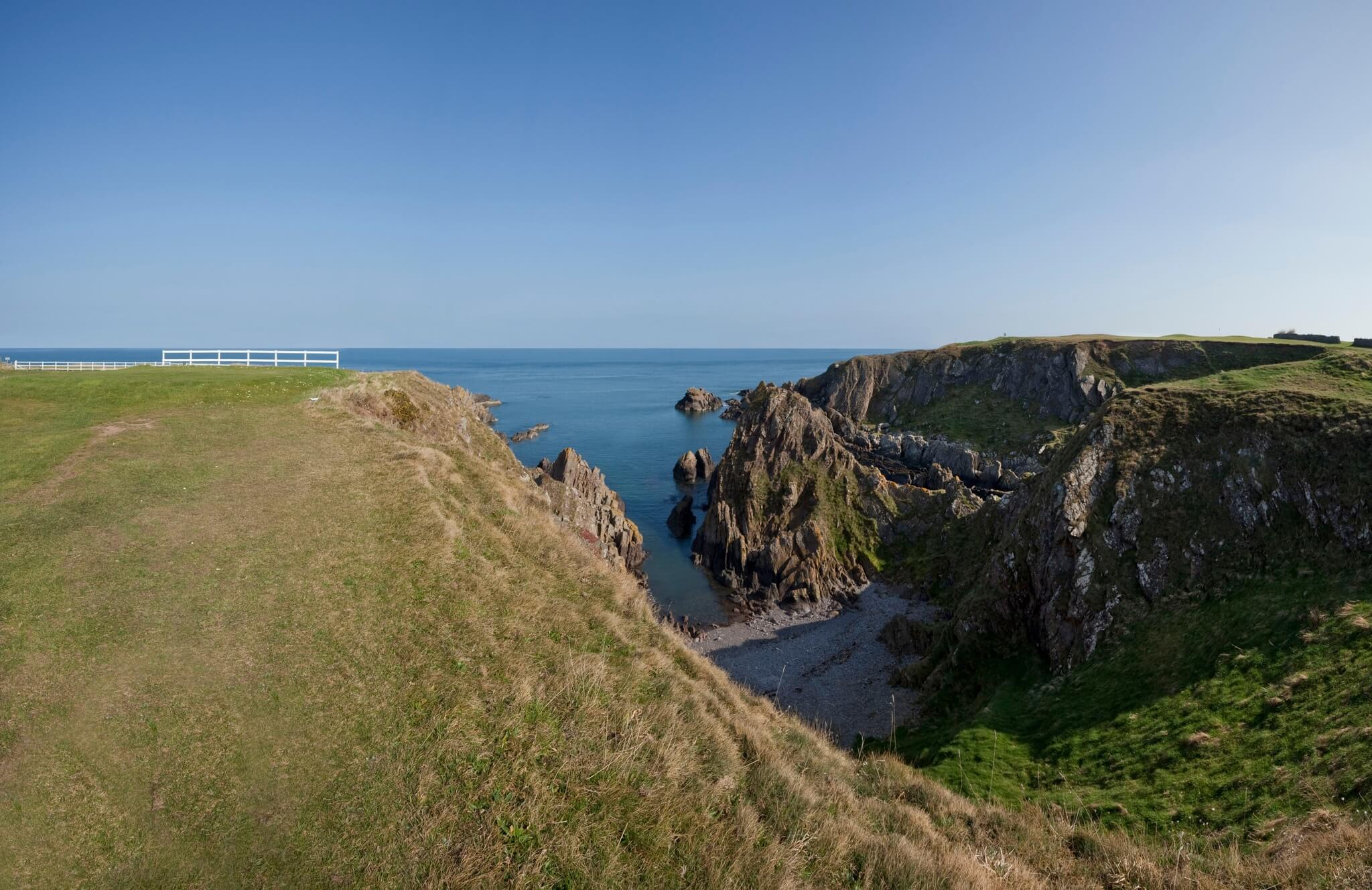
Scottish Borders
Explore courses in the Scottish Borders.
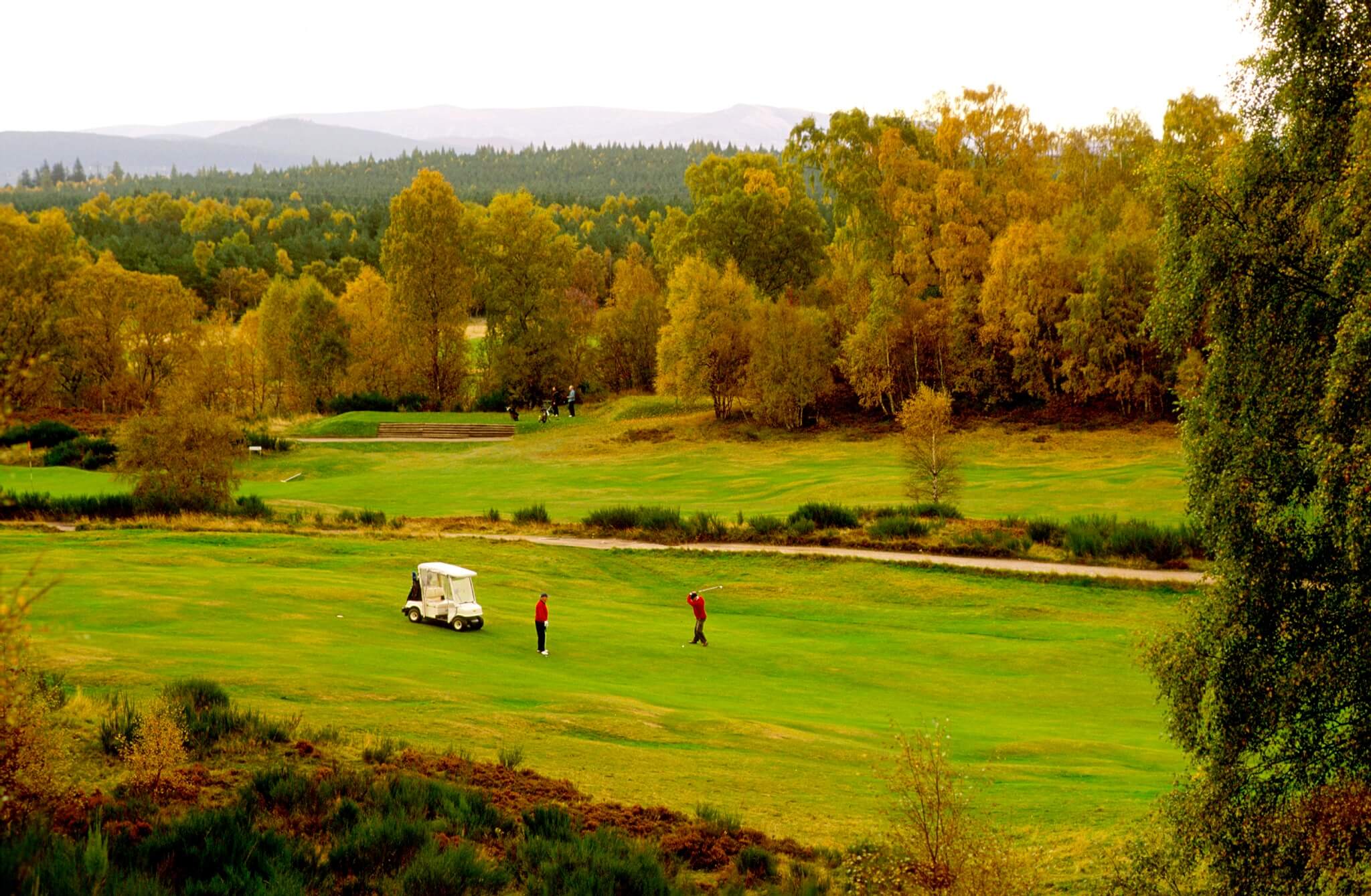
The Highlands
Find golf courses in the Scottish Highlands.
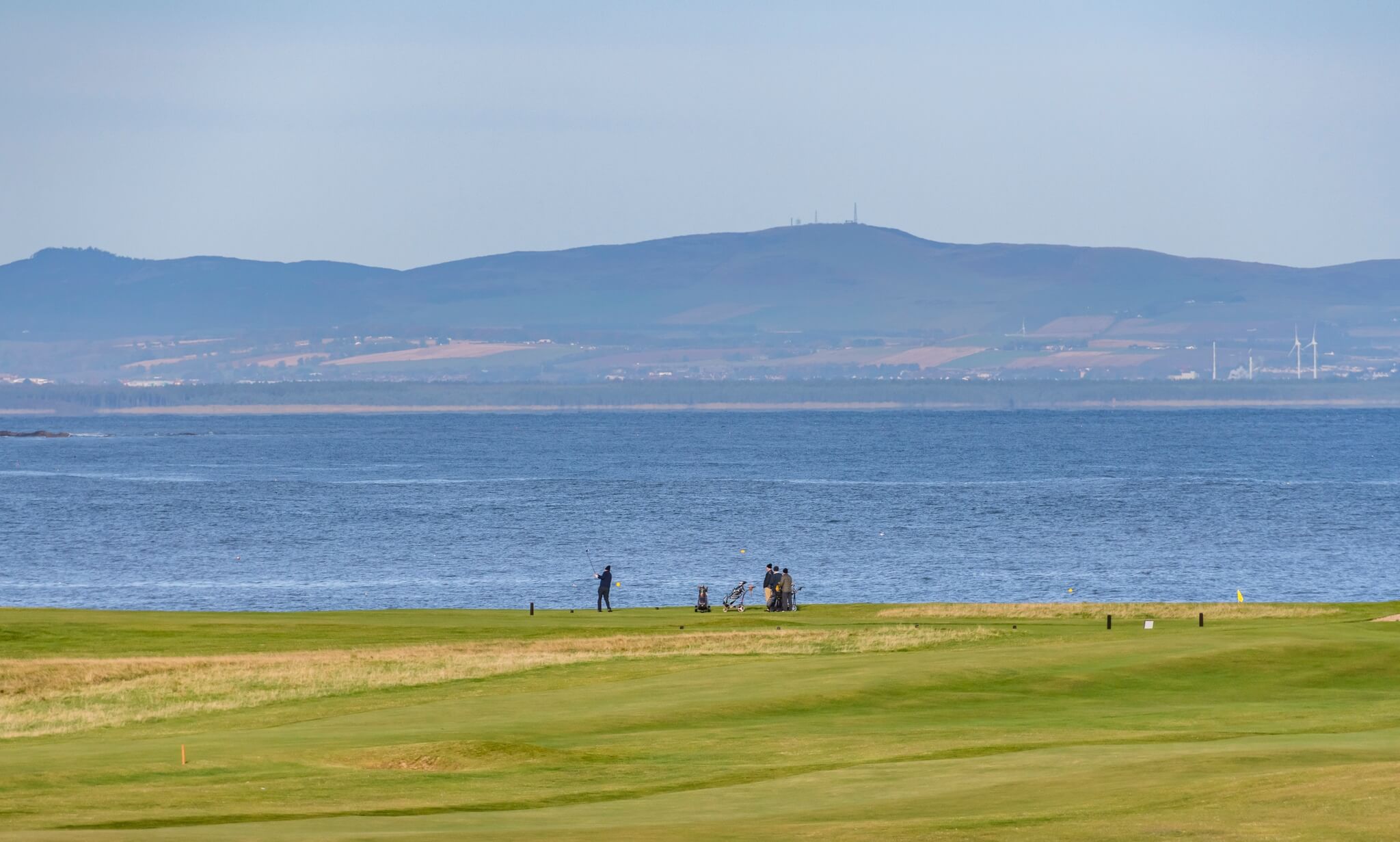
Fife
Discover golf links in the Kingdom of Fife.
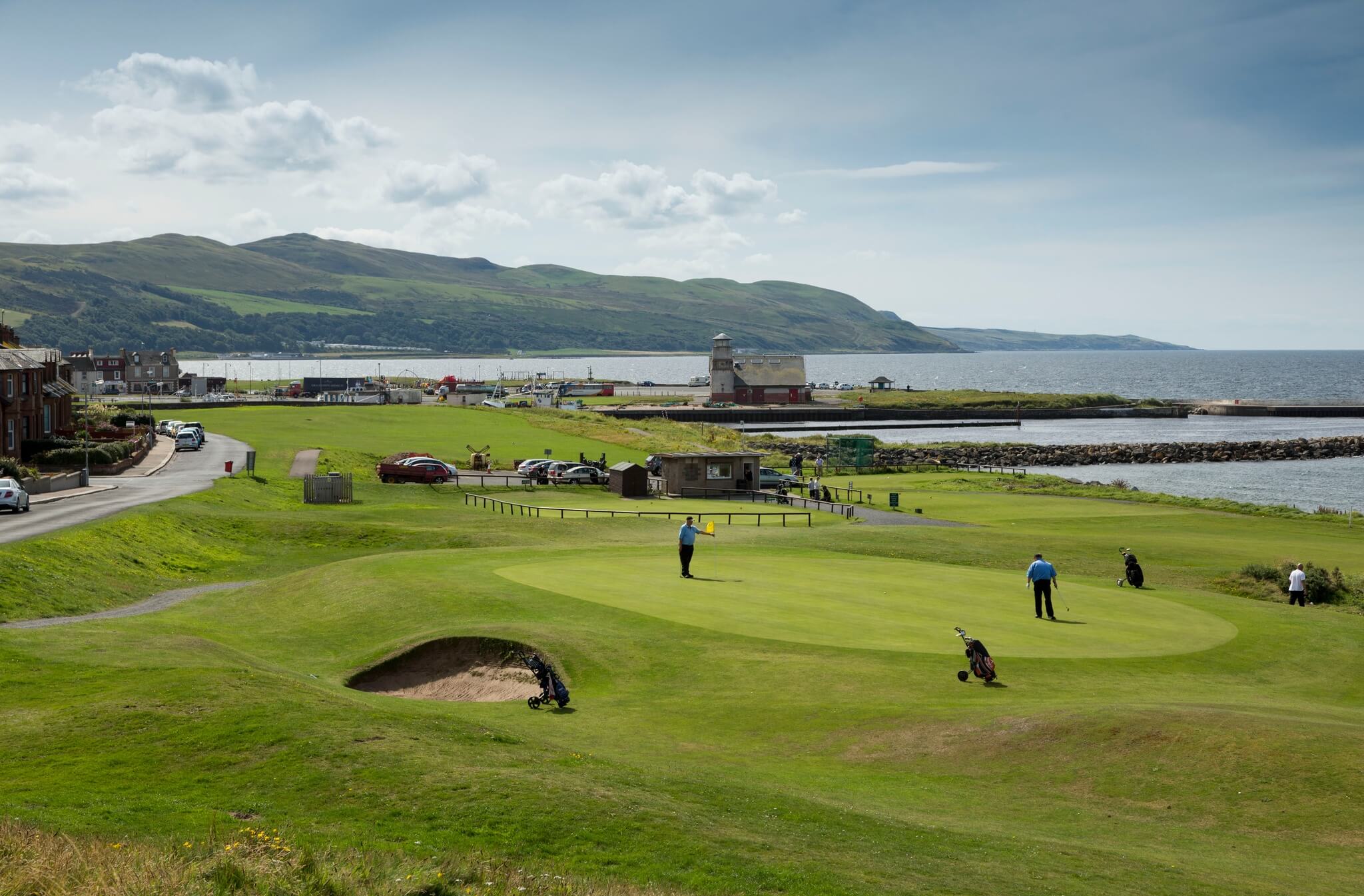
Ayrshire & Arran
Uncover the many golf courses in Ayrshire & Arran.
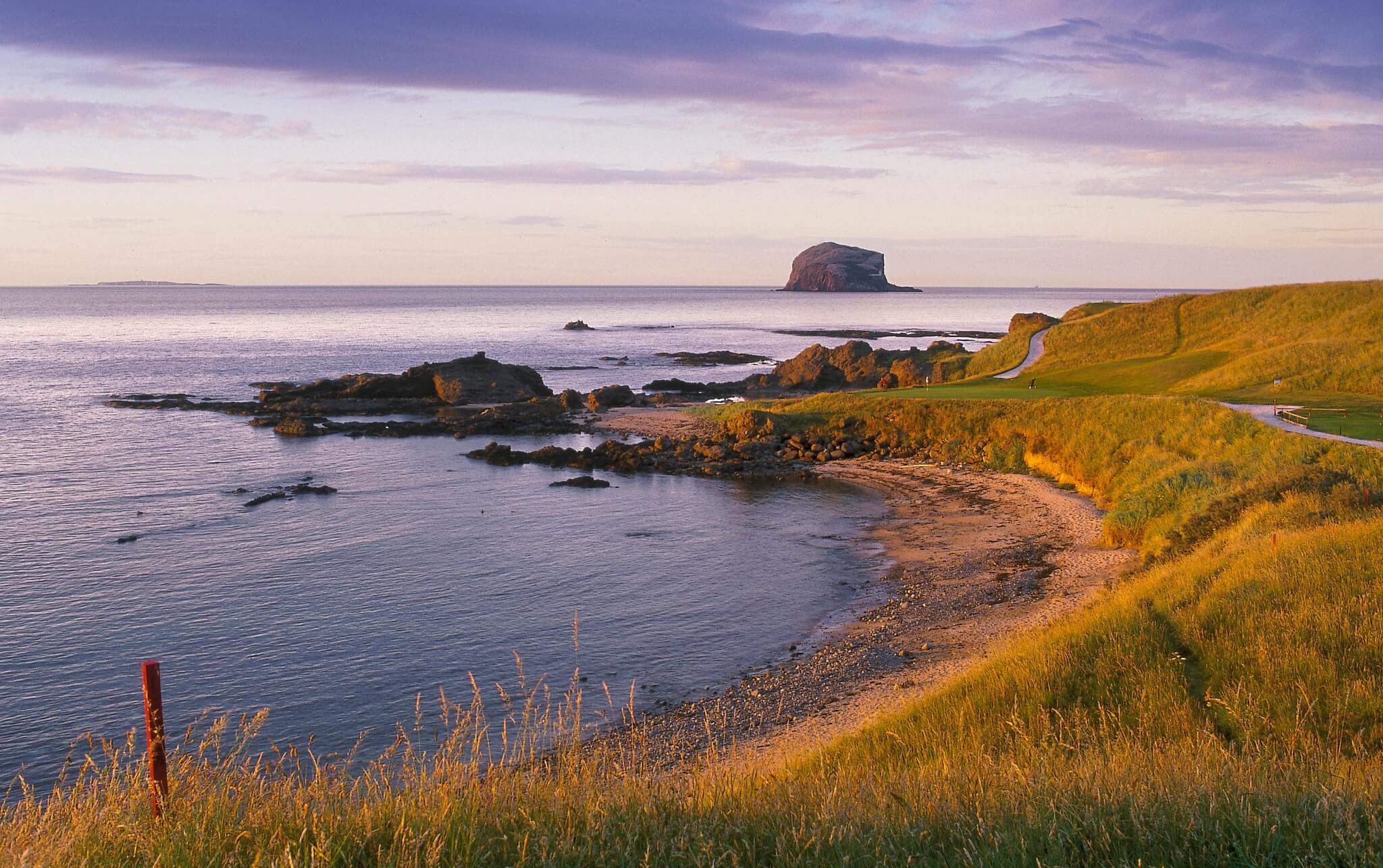
East Lothian
Find courses and links in East Lothian.
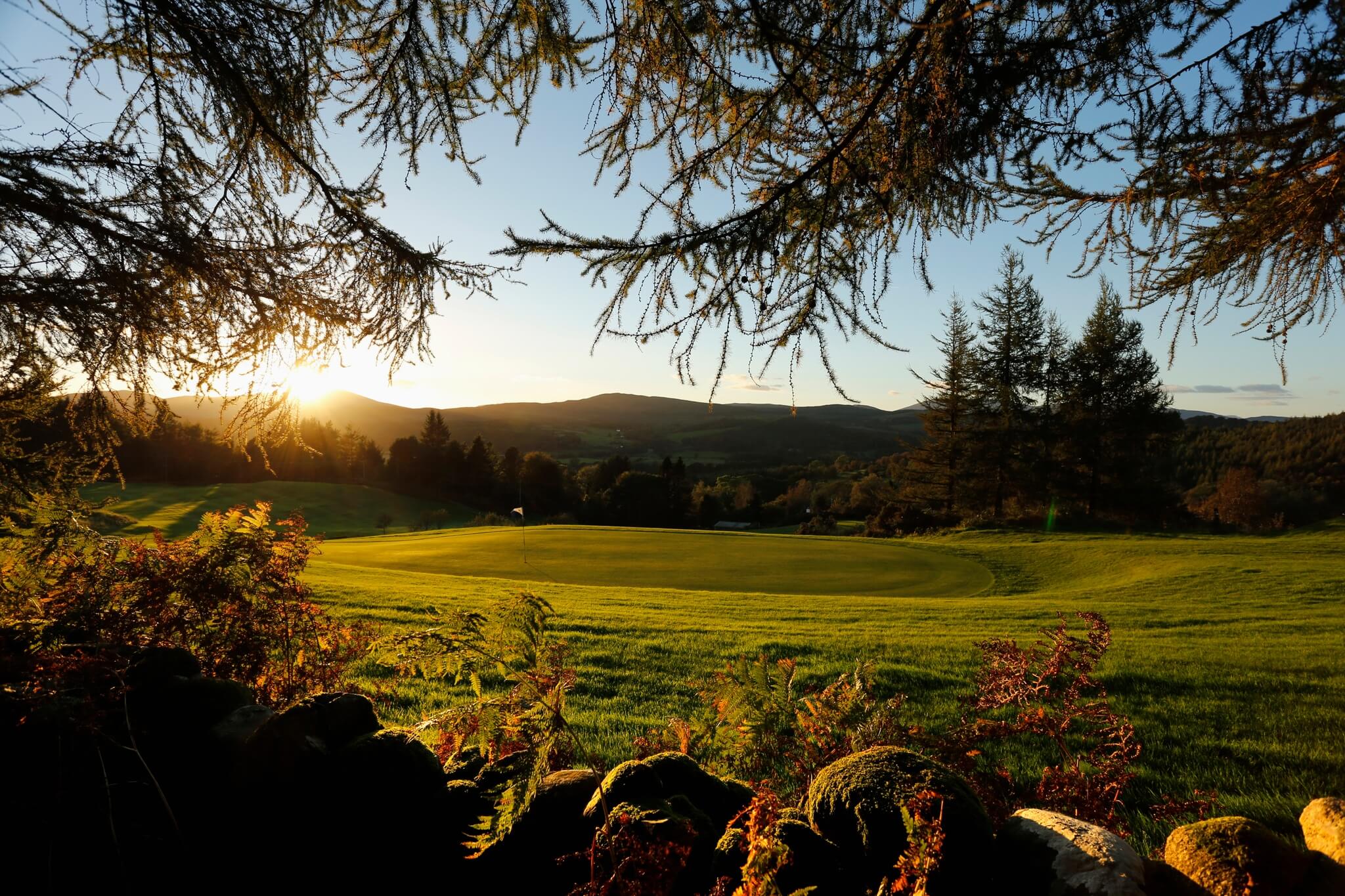
Dumfries & Galloway
Explore courses in Dumfries & Galloway.
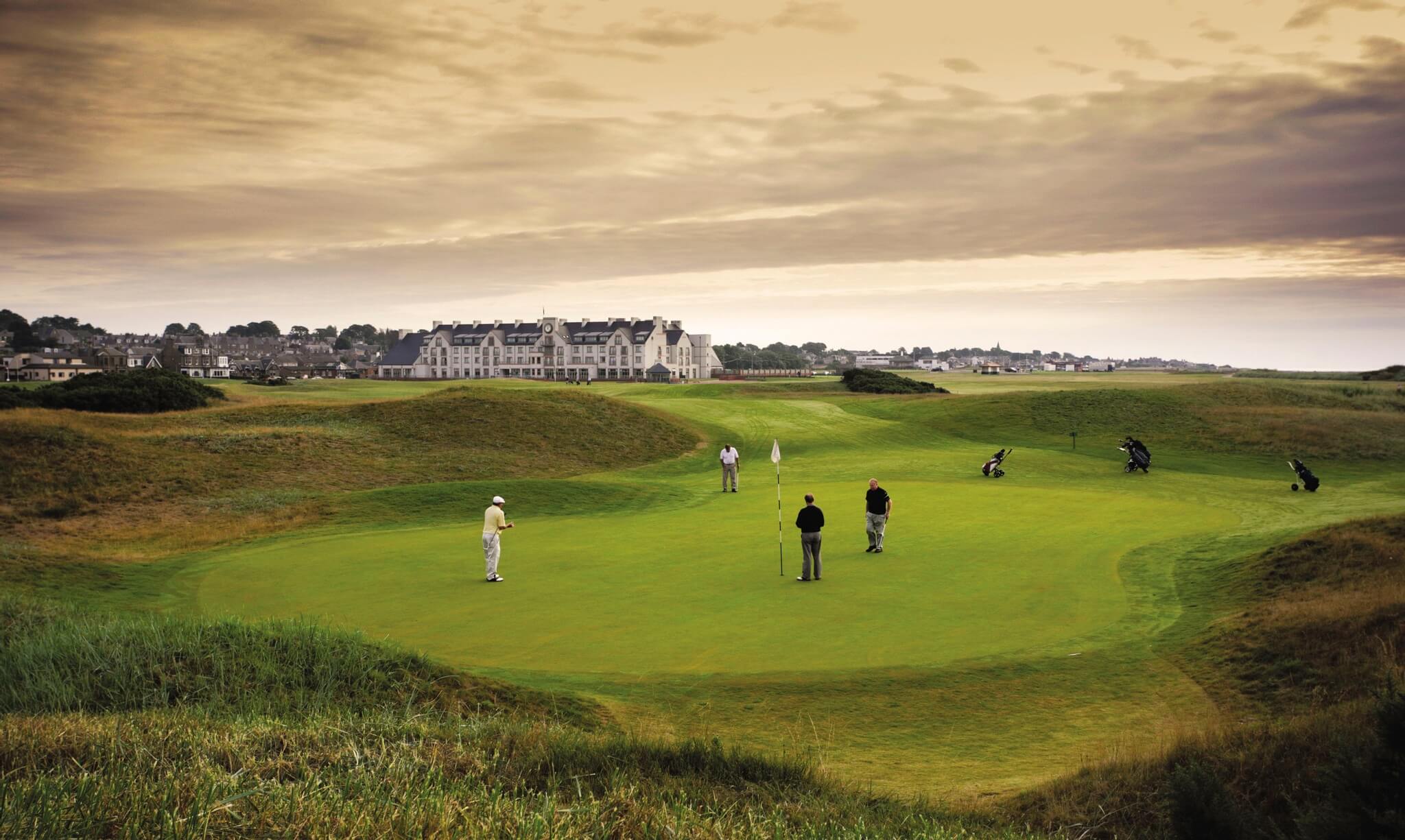
Carnoustie (Dundee & Angus)
Find links and greens in Dundee & Angus
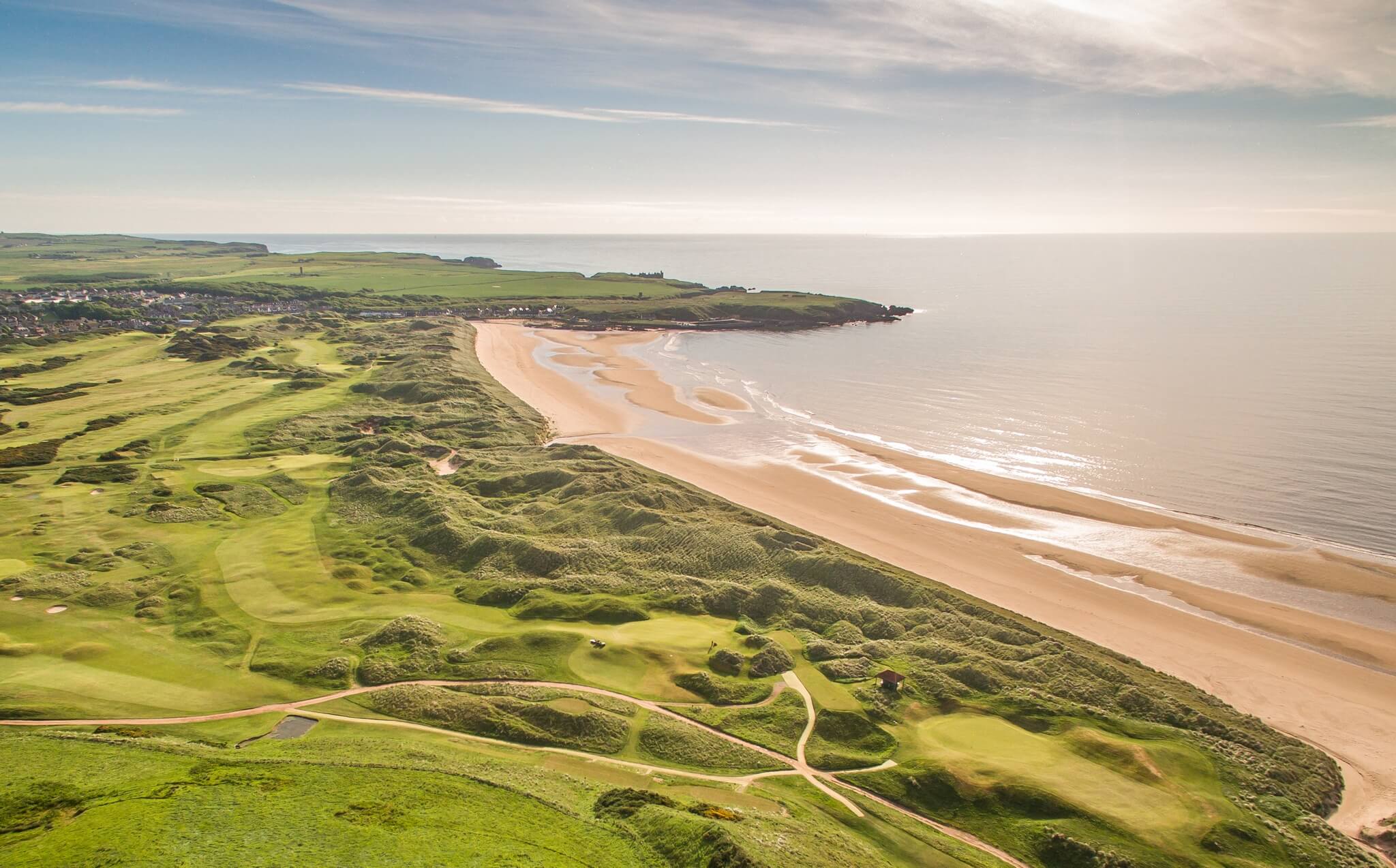
Aberdeen & Aberdeenshire
Explore golf courses in Aberdeenshire.
Perthshire
Explore golf courses and links in Perthshire.
Plan a St Andrews golf trip
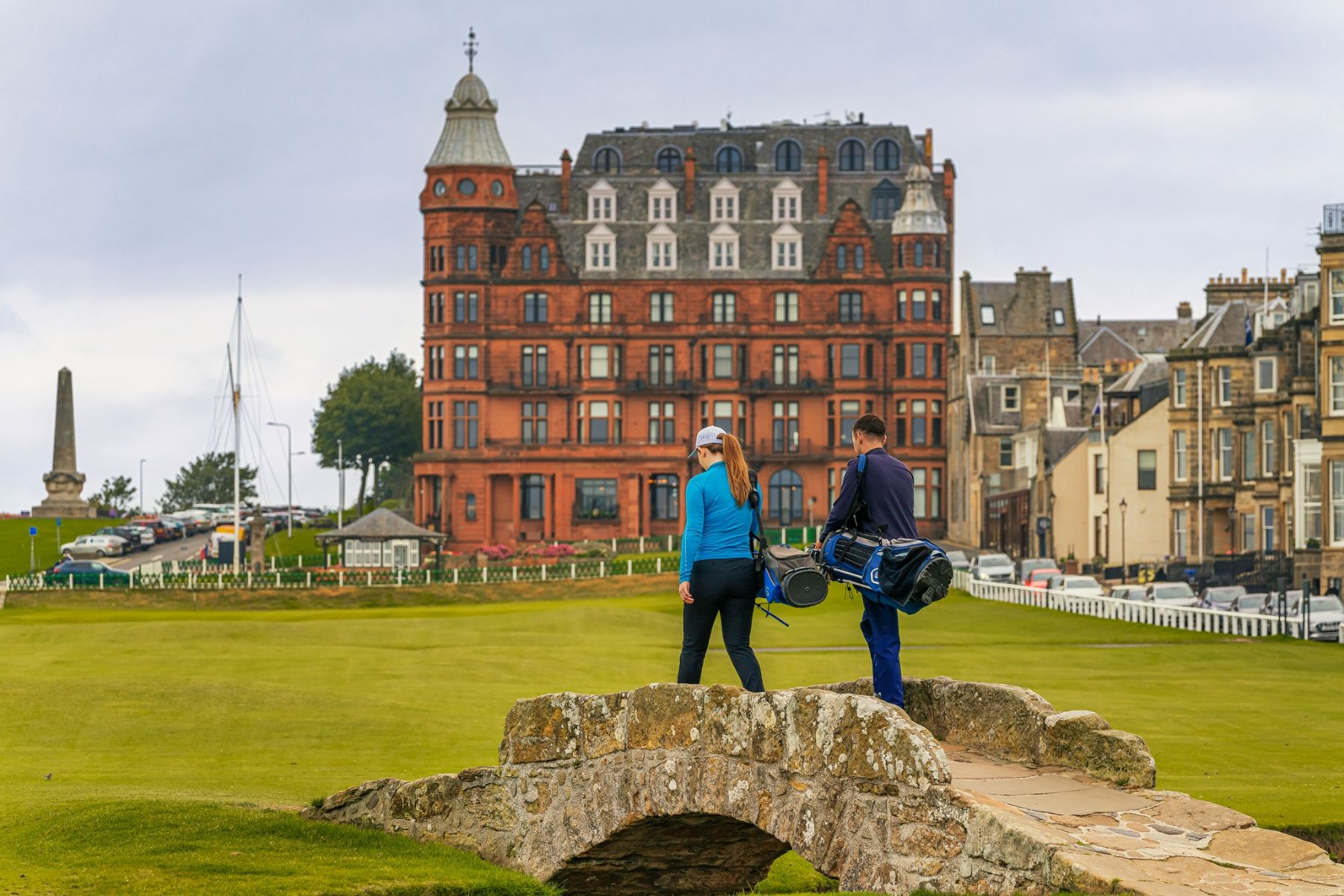
A golfer plays the Old Course at St Andrews.
© Visit Scotland / Luigi Di Pasquale
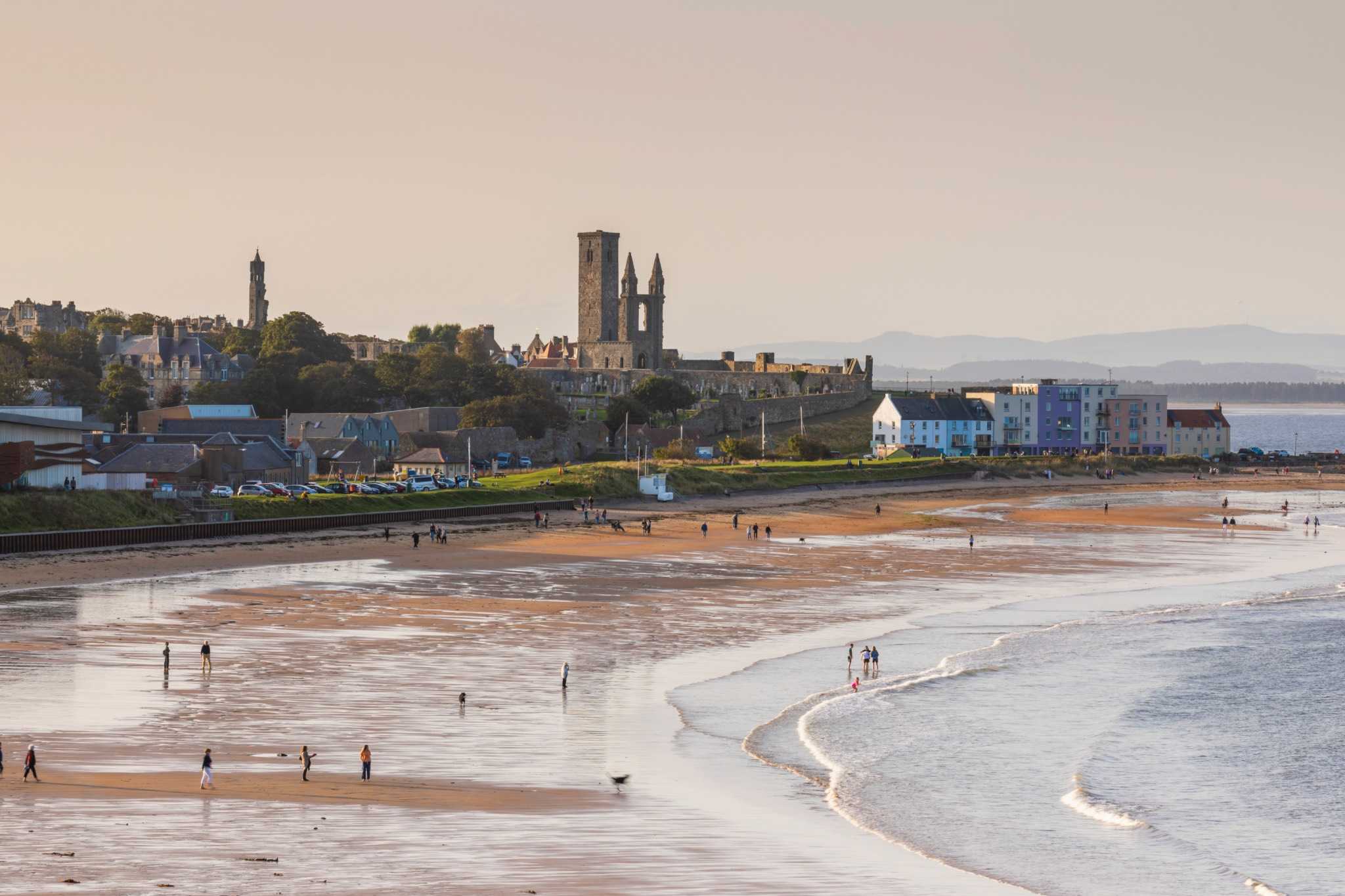
Historic St Andrews
The first record of golf in Scotland dates from the 15th century. In 1764 the Links at St Andrews (now known as the Old Course) was reduced from 22 holes to 18, creating the standard course format we still use today. In 1860 the first Open Championship was held at Prestwick - an illustrious history indeed! Find out more about the history of golf at the British Golf Museum in St Andrews.
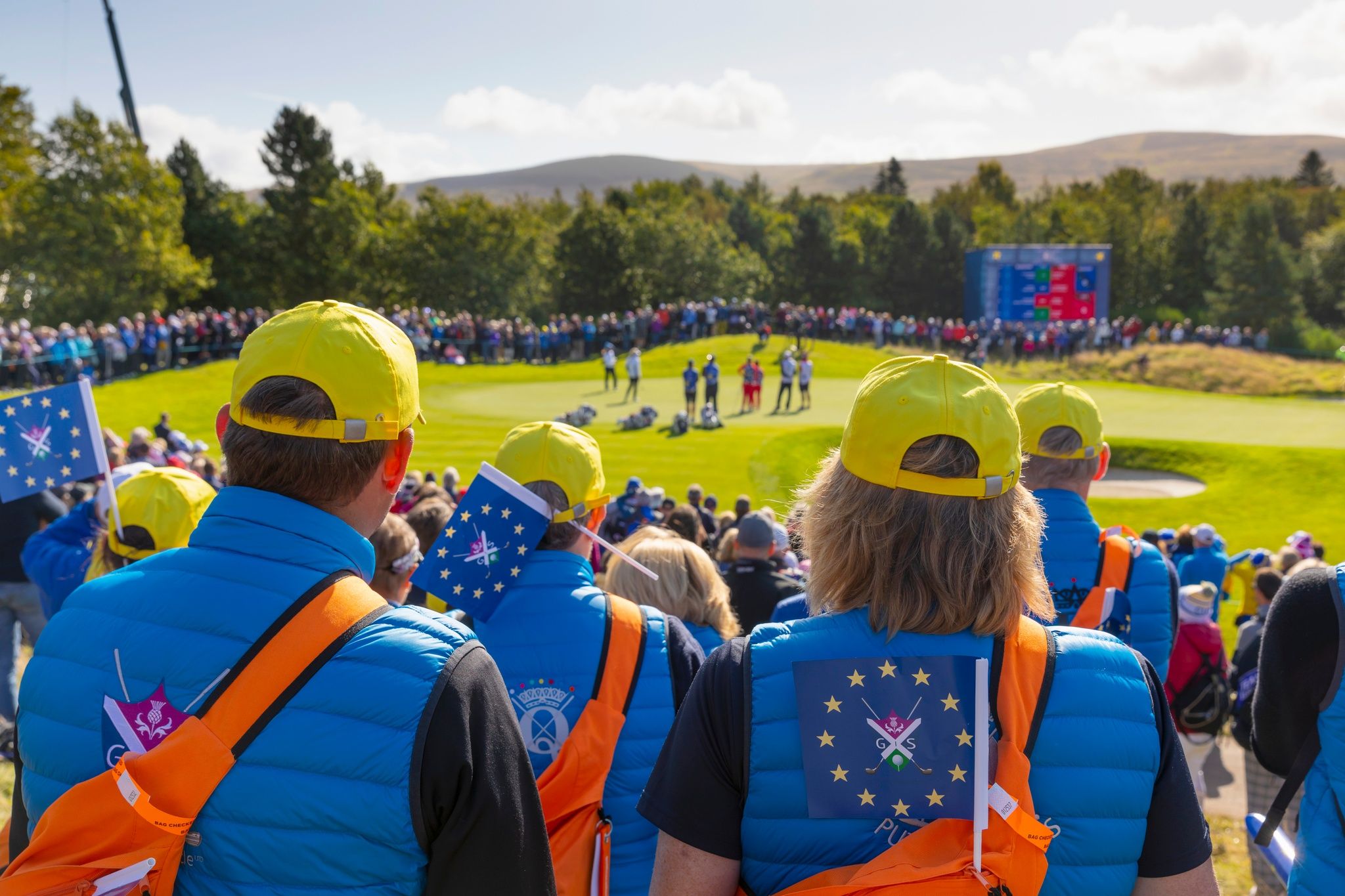
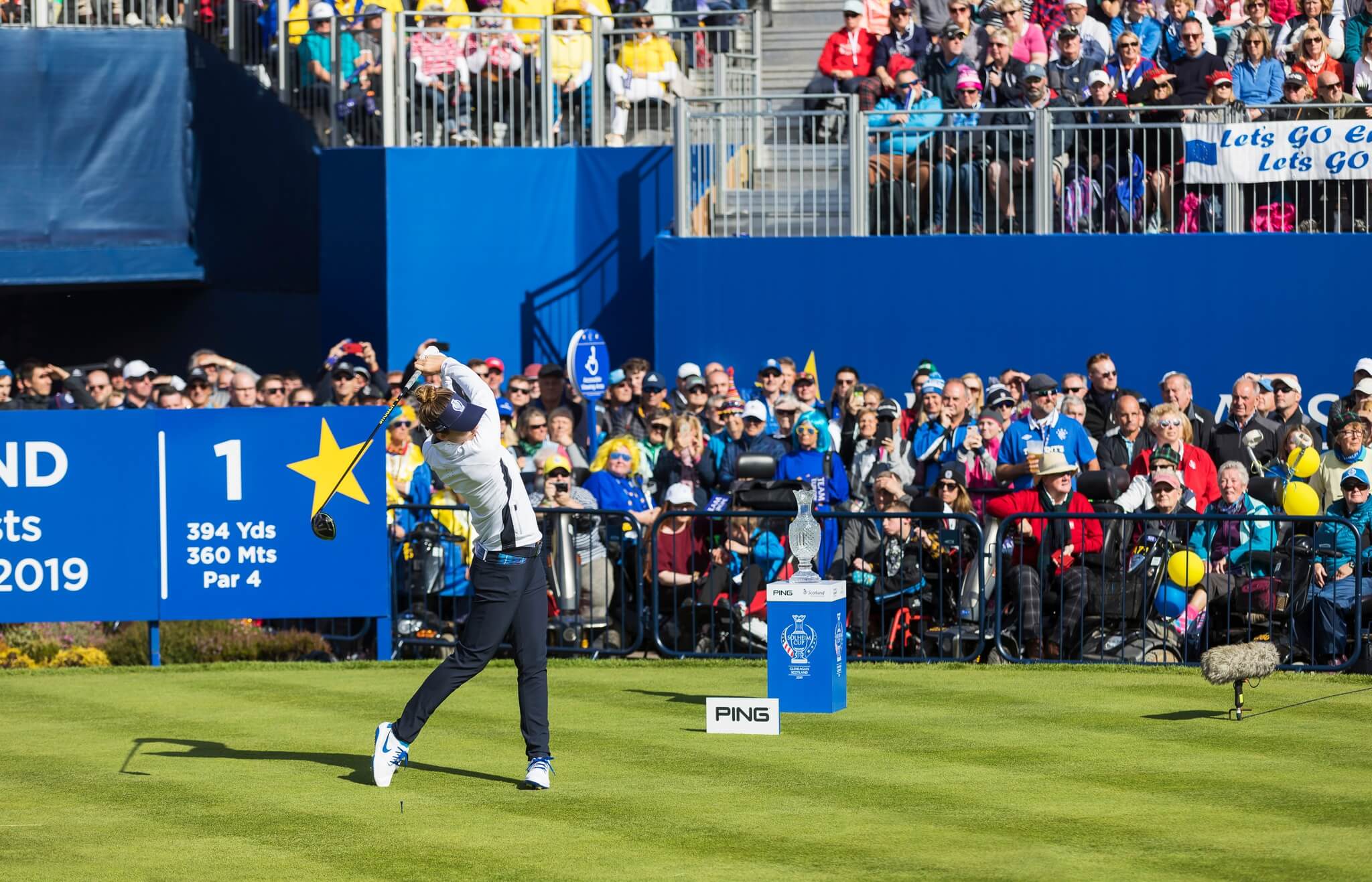
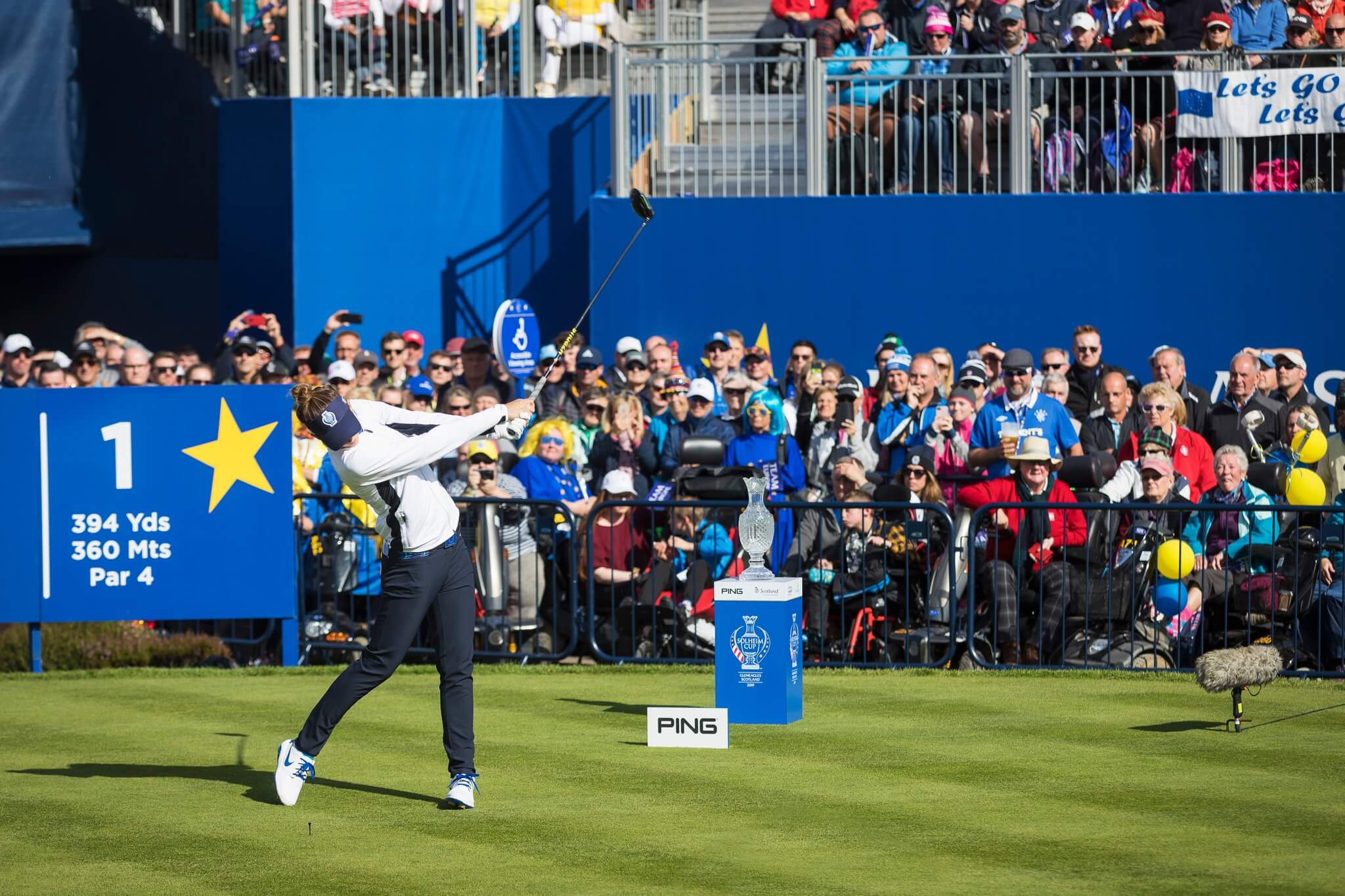
The 2019 Solheim Cup at Gleneagles Hotel in Perthshire
Tournaments & Events
Keep up to date with all the golf tournaments and exciting events happening this year.
The Glen Golf Club At North Berwick
Golf tours & accommodation
If you want to experience some of the best golf courses Scotland has to offer, it's possible to build a golfing holiday in Scotland that ticks all these boxes. Championship courses, such as Royal Troon, the PGA® Centenary Course at Gleneagles and even the illustrious Old Course at St Andrews can all be booked - with a bit of forward planning.
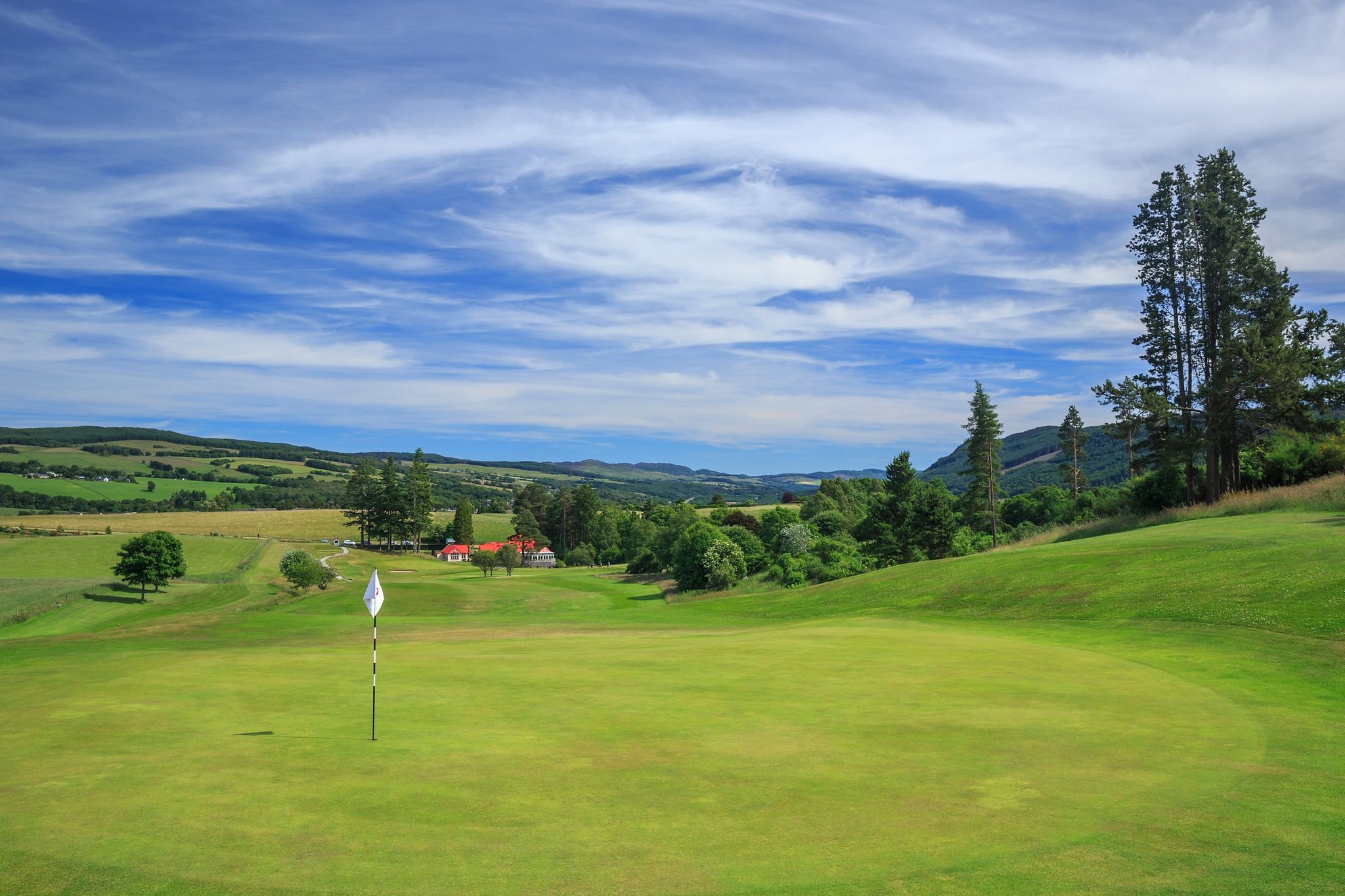
Pitlochry Golf Club 1st hole
Golf for beginners & families
Anyone can learn to play golf in Scotland. We've got some great tips for beginners plus some budget-friendly courses where you can practise all holiday long!
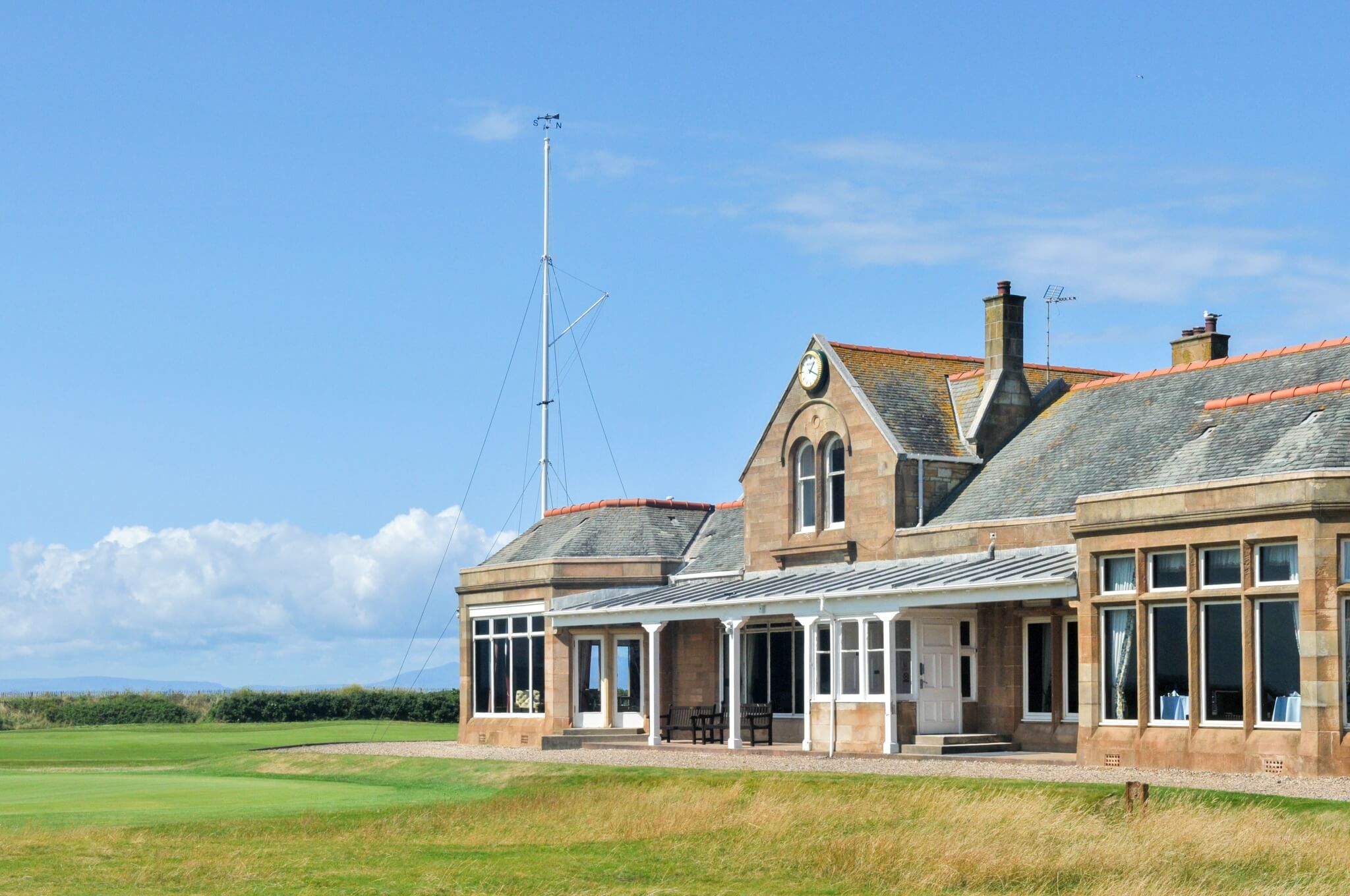
Royal Troon Golf Course
© Ayrshire and Arran Tourism Group
World's Greatest Golfers
Rory McIlroy, Tiger Woods and Jack Nicklaus have all played here and many of Scotland's most prestigious courses were designed by golfing legends. 'Old' Tom Morris designed the Old and New Courses at St Andrews while James Braid is responsible for more than 250 British courses, including the world-famous King's and Queen's Courses at Gleneagles.

A man uses his smartphone
© Digital Tourism Scotland / Matt Davis
Golf Your Way in Scotland
Get the most out of your golf in Scotland with the Scottish Golf App:
- Book tee times across Scotland
- Get an official handicap with OpenPlay
- Enter open competitions across Scotland
- GPS Caddie for yardages at 36,000 courses
Find experiences
JavaScript needs to be enabled to see this product search form. You can turn this on in your browser settings.